A fast, native android app for Logseq OG (markdown version)

Hi folks!

Built a native android app for Logseq OG (markdown version). You can give it a try here: siddharthagolu/fastlog: An opinionated, fast, native android app for Logseq - Codeberg.org

Logseq has been absolutely indispensable to how I’ve planned my life in the past 5 years. While the desktop app has been a solid piece of software, mobile app (especially android) has been broken for quite a long time. I wanted to try building something which solves my major pain points with the app, and it is finally at a stage where I can share it with others.

Some features include:

  • Extremely fast startup time. After the first index, cold-start time is <1 second.
  • Fast full-text search and navigation
  • Handles large graphs

I’ve been using it on my primary Logseq graph for the past couple of weeks and did not face any issues. Having said that, I’d encourage you to first create a backup of your Logseq folder before giving it a try.

Thanks!

Wow, this sounds VERY tempting! The official Android app has stopped working at all for me, and it was never really usable.

Does it support the official sync, or only external options like Syncthing?

1 Like

Only external sync supported. I’ve been daily driving it via Syncthing.

Does it do orgmode :+1: files or just markdown :-1: files?

Tested only on markdown. I’ve never used orgmode, so can’t really comment on whether it will work or not. Feel free to give it a try.

For me the original mobile app’s biggest downside: navigation. Wonder how your app feeld more native

Hello @ZenArtist ! Thank you for developing FastLog! It’s so awesome to find your app, this will really solve all my gripes with using Logseq on Android. It is starting up really slowly, and the search icon was never visible until I clicked the hamburger menu and closed it again. And search is 90% why I go to Logseq on my phone anyway.

I registered just to write here. I tried your app, but I found an issue with it.

I wrote the following test text in my journal today, which was so far empty, on Logseq 0.10.15 on Windows (but I now repeated the test on Logseq OG 1.0.0 too, same result):

- FastLog test
  - Indentation Level 2
    - Level 3
- Level 1 again
  - Level 2 again

(I would provide screenshots, but my account is probably too new to attach images.)

Then I synced my changes with Syncthing to my Android phone. This displays fine on the 0.10.15 version of the original Android app, as expect. However this is how it looks on FastLog 1.4.1 (that I just installed using Obtainium):

- FastLog test
- Level 1 again

So only the first level blocks are visible, the rest are not there. What’s worse, is that if I add another first level block in FastLog, it nukes all my level2, 3 blocks, and writes the journal file with only the base level blocks.

So it ends up written out as this (2026_07_14.md):

- FastLog test
- Level 1 again
- Level 1 added in FastLog

I really love both the idea and the execution of your app, and would be excited to use it, but obviously I can’t with this bug. Happy to help diagnose things, I’m a software guy myself, but without a lot of Android development experience.

I was thinking it might be related to the fact that I am using a different date format (yyyy-MM-dd), but actually I looked at other named pages with more indentation and it still only displays the first level blocks there too.

It did not touch or rewrite any other .md file, just the one that I tried to edit.

I hope we can figure this one out, because otherwise your app looks exactly what I was looking for, thanks again for all the effort of working on it.
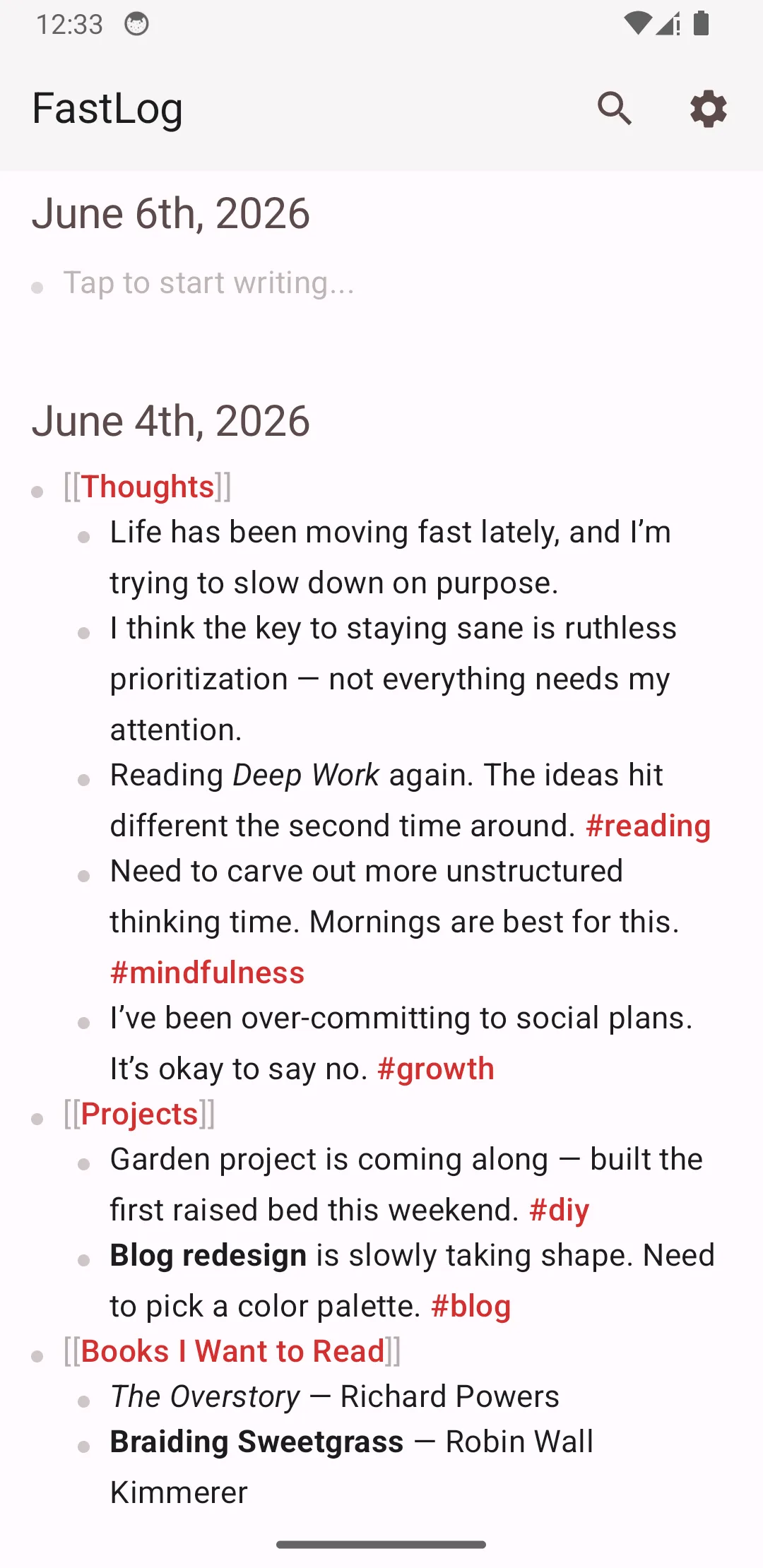
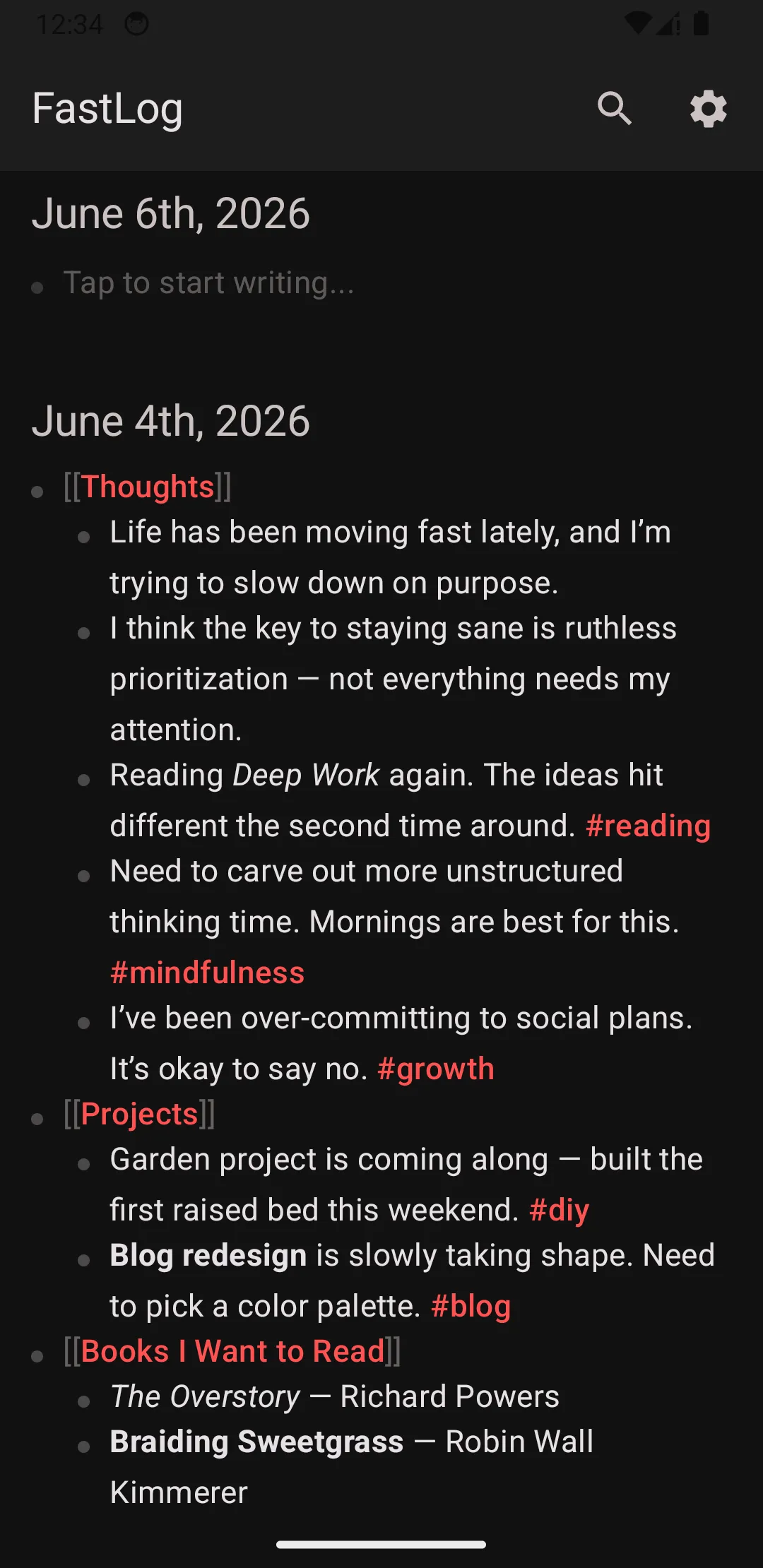
Thank you for the kind words, and sorry you had a bumpy ride trying out the app.

Can you raise an issue on Codeberg with a minimal graph in .zip format which I can use to reproduce this?

Sure! I managed to reproduce it with a very stripped down version of my graph, but not with a newly created one, so there must be some issue with the specific config of my very old graph that I created more than 3 years ago with the then actual version of logseq. I’ll post it in the issue on codeberg.

Also, I just want to praise you publicly for this part in your project’s README, I applaud this responsible use of LLMs from your side:

AI Disclosure

This would not have been possible without the help of LLMs. However, I intentionally do not do any “agentic” coding. I talk with LLMs like a normal chatbot, discuss solutions/approaches/code and hand-type everything myself. I hate the AI-induced README hellhole that a ton of projects are spewing off; no LLMs are used in this project’s README/issues/release notes.

I think we’ll look back on this period of software development as the dark ages of our craft, when the amount of unreadable, unmaintainable code that just sort of worked, exploded in quantity. (People were doing a lot of this even before AI too.)

Software development for me is about thinking how to solve a problem well, in a way that is long term maintainable, extendable, and understandable to others. This should be especially true for open source projects that is based on collaboration and the shared love of using software that we have the power to modify and improve together.

Thank you for your respect towards your fellow humans.

1 Like

Update: I opened #26 - bug: indented blocks are invisible, removed after FastLog page edit - siddharthagolu/fastlog - Codeberg.org and dug into the issue a bit.

I think the root cause is using spaces instead of tabs in my markdown files by setting this option in config.edn:

:export/bullet-indentation :two-spaces

So it seems FastLog is currently not compatible with graphs using spaces for indents.

yes, pity that the developers abandoned the official android app, thanks for your work!
I would like to fully switch, however it seems that you app doesn’t support custom.js code, and macros, is that true? I use the Synthesis plugin system extensively. is this hard to implement?