This Logseq.com website seems to only offer Dark Mode. I know I’m in the minority, but Dark mode always makes it very difficult for me to concentrate, basically hurts my eyes and my head, so I always try and get things arranged into Light mode. But I have yet to discover any way to do this on the Logseq website. If at least the Forum could have a selectable Light Mode, it would be a giant improvement for me. I apologize if there’s a selection for this, but I sure have not been able to discover it.
Sorry to be a whiner, but I’m old, I feel like I’ve earned it Thanks!
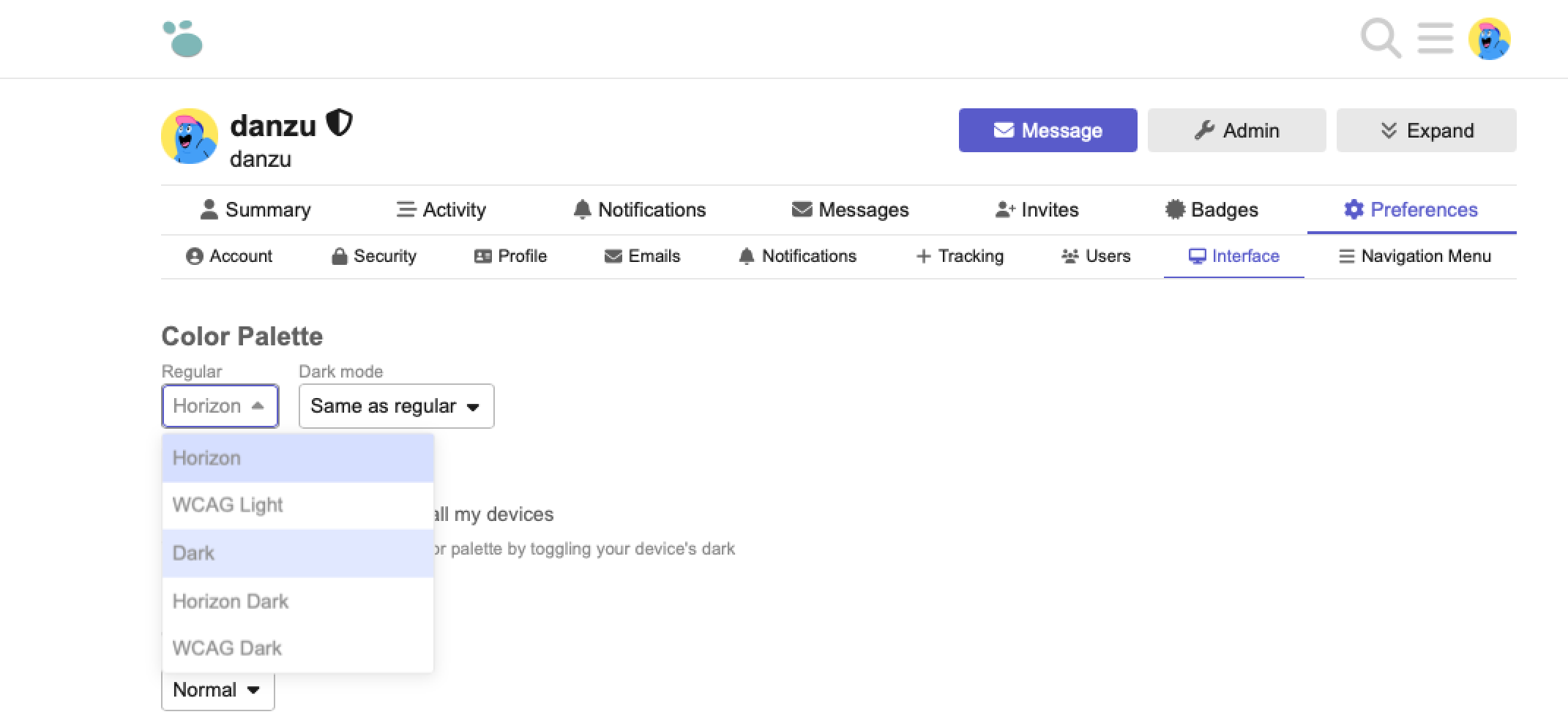
OK, that was enough of a clue that I figured out what I needed to do. On the pages that show my Initial indicating I’ve logged in, I can click it, select the unlabeled arrow that shows on the bottom of the pop-up, which then displays the listing of selections that you posted. I click “Preferences”, and then “Interface“, which displays the elusive Color Palette! From there, I can select “WCAG Light”, and then hit Save Changes at the bottom. And VOILA, I’m in Light Mode!! It took me a couple of iterations to make it stick for all the different selections, but I’m now in business!
 Thanks!