Can we prepare our Markdown-based Logseq for import into database Logseq using namespaces or hierarchical blocks?
I am starting with Markdown because I am largely a phone and tablet user. I realize I am going to have to resurrect a laptop for use with the database, as the use of Capacitor rather than Electron to host the web application can make things very different.
I suspect creating a fully-featured Logseq-DB graph and exporting it to MarkDown would be the best approach. Templates to follow. Has anyone tried? Oh, docs.logseq.com still has “export page” and “export graph” menu options. Also test.logseq.com has import and export, so I can test strategies for myself.
I have posted a related question about the RDF-export plugin format: is that a useful strategy? (Link at end)
(oh, I thought it was a Logseq plugin; turns out it’s a GitHub action instead, so maybe not related)
Edit: seems it is unrelated.
So docs-master is probably misleading as an example of a graph with structured data!
Any better suggestions?
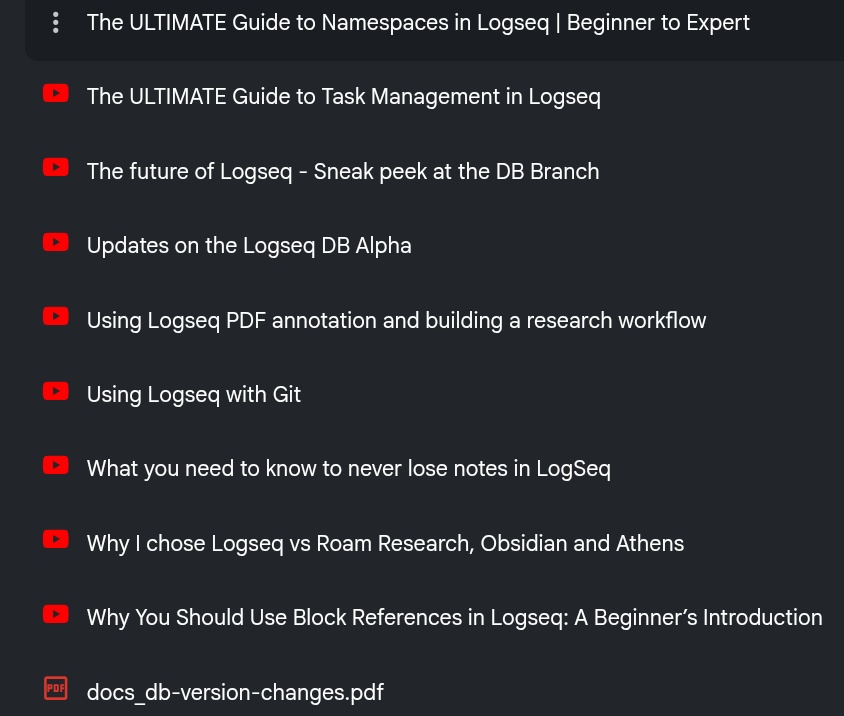
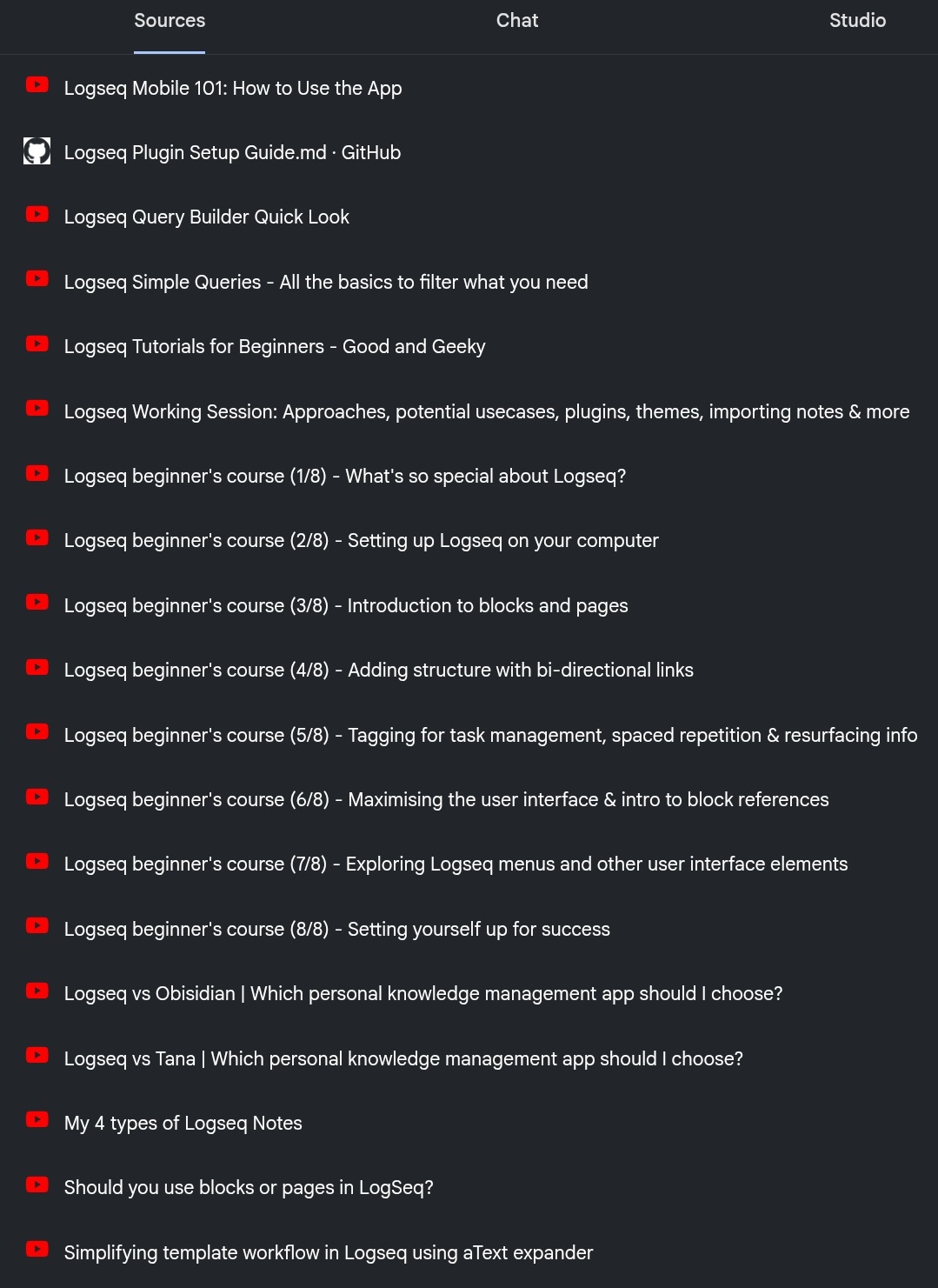
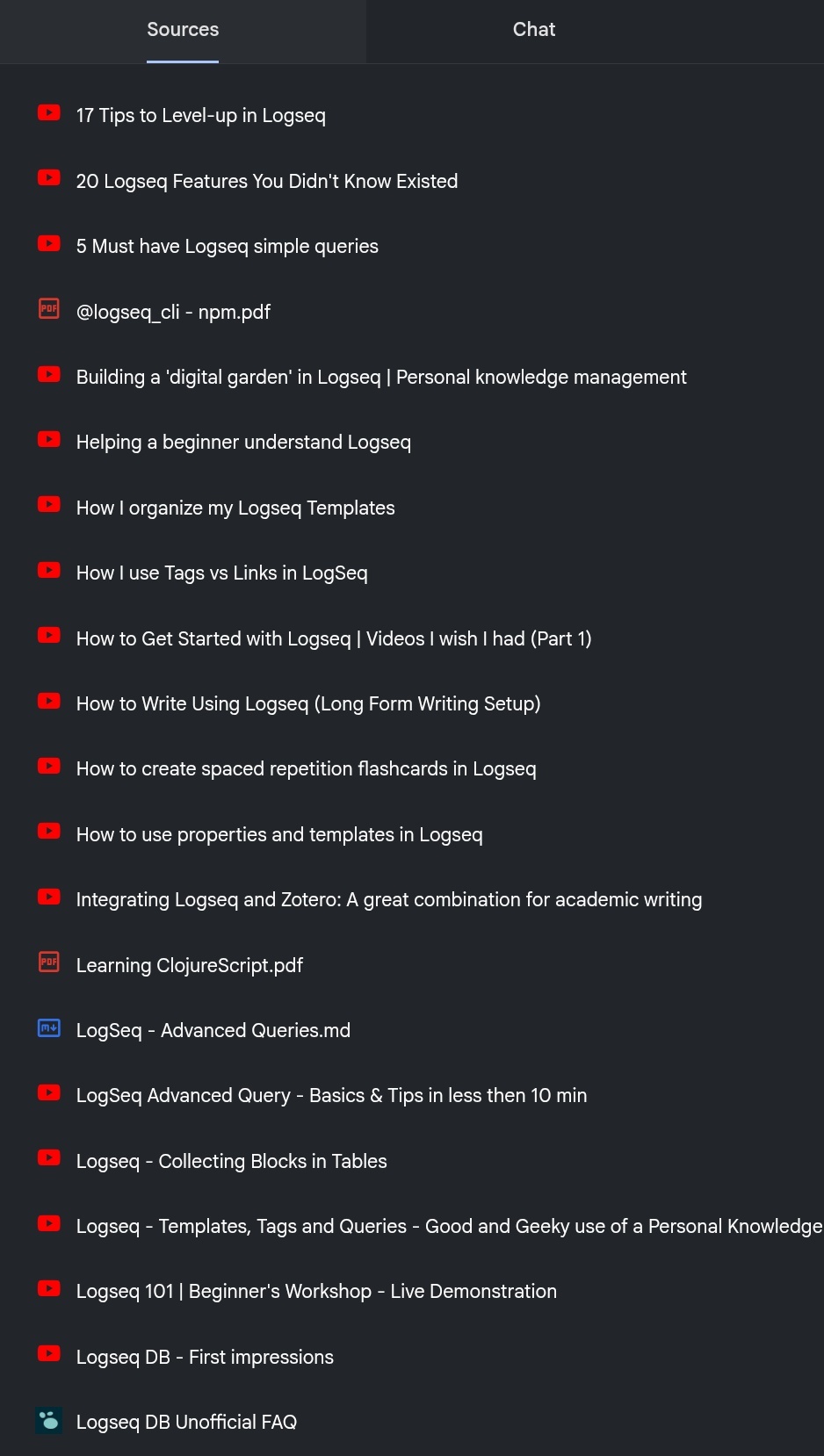
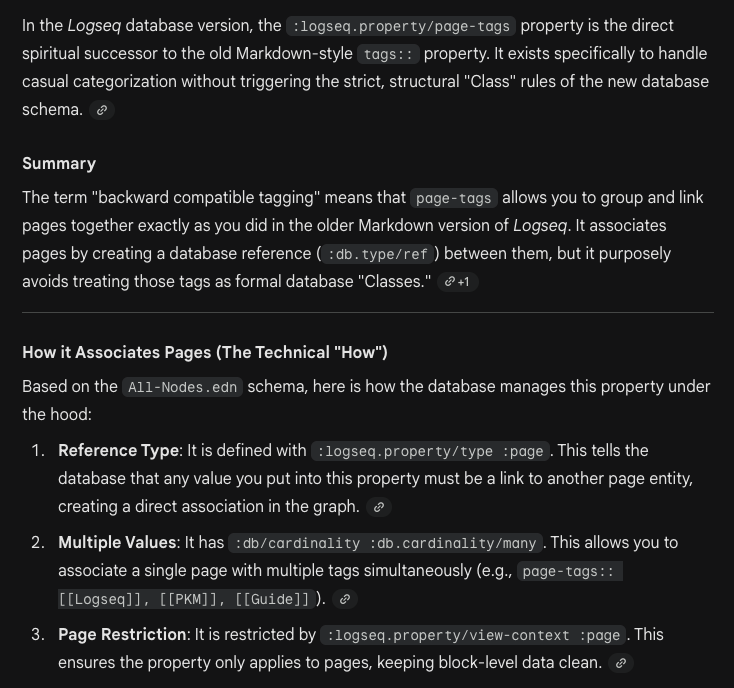
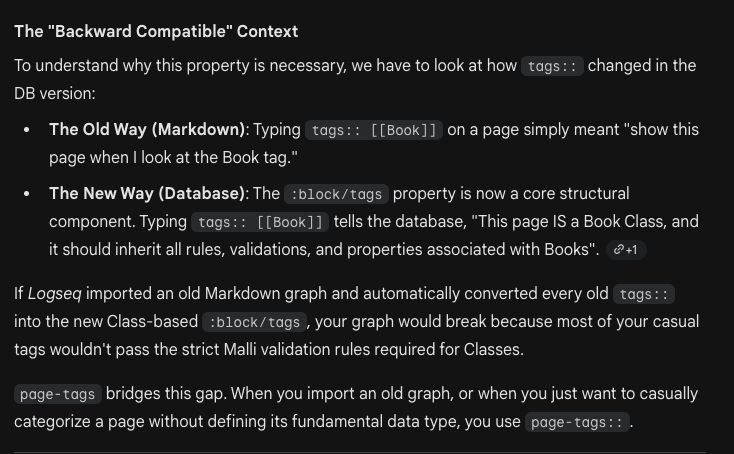
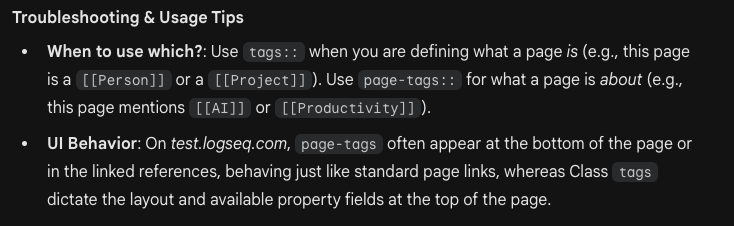
I dumped some of the main tutorial playlists off YouTube and a few reference documents into a Google Gemini AI NotebookLM instance and asked it the same question. Is the answer useful?
By default, all tags are imported as new tags using the Import all tags input. This allows you to use all your tags as you have previously, along with the new functionality they have. Any properties associated with a tag are added to tags to take advantage of the new functionality.
Alternatively you can import only specific tags to new tags using the Import specific tags input. Tags that aren’t specified in this input are then imported as follows:
Tags associated with a page are associated to that page with a Page Tags property.
Tags are removed from their blocks when the Remove inline tags checkbox is checked. This matches the behavior of the DB version.
Property types are automatically detected for Number, Date, Checkbox, Url, Node and Text. If a property value has two conflicting but compatible types like Number and Text, it will choose the more lenient Text type.
I guess this means old MD tags are upgraded to “New Tags” in DB, but only DB “Page Tags” are exported as MD “Tags”.
In Logseq DB, #tags are something entirely new. So new that I will call them #newtags here to make the difference clear. On import you can choose to convert all #tags to #newtags, or convert them to [[pages]], or you can specify only some tags to be converted to #newtags. Which you choose may depend on your existing workflow.