When we are talking about re-index, it is this button:
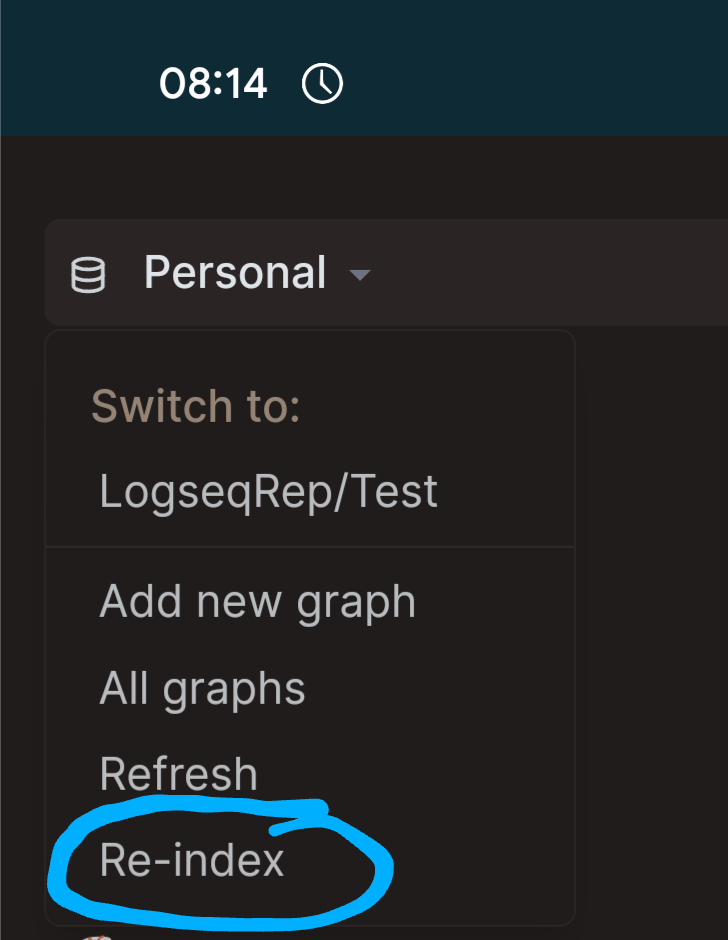
It will rebuild your graph based on the files on your file system. (In technical terms rebuild the internal database based on the files)
This should only be necessary when you see things in Logseq not match up with your files.
That it is “behind” so to speak.
I personally run into this mostly when renaming or deleting files in combination with syncing to other devices.
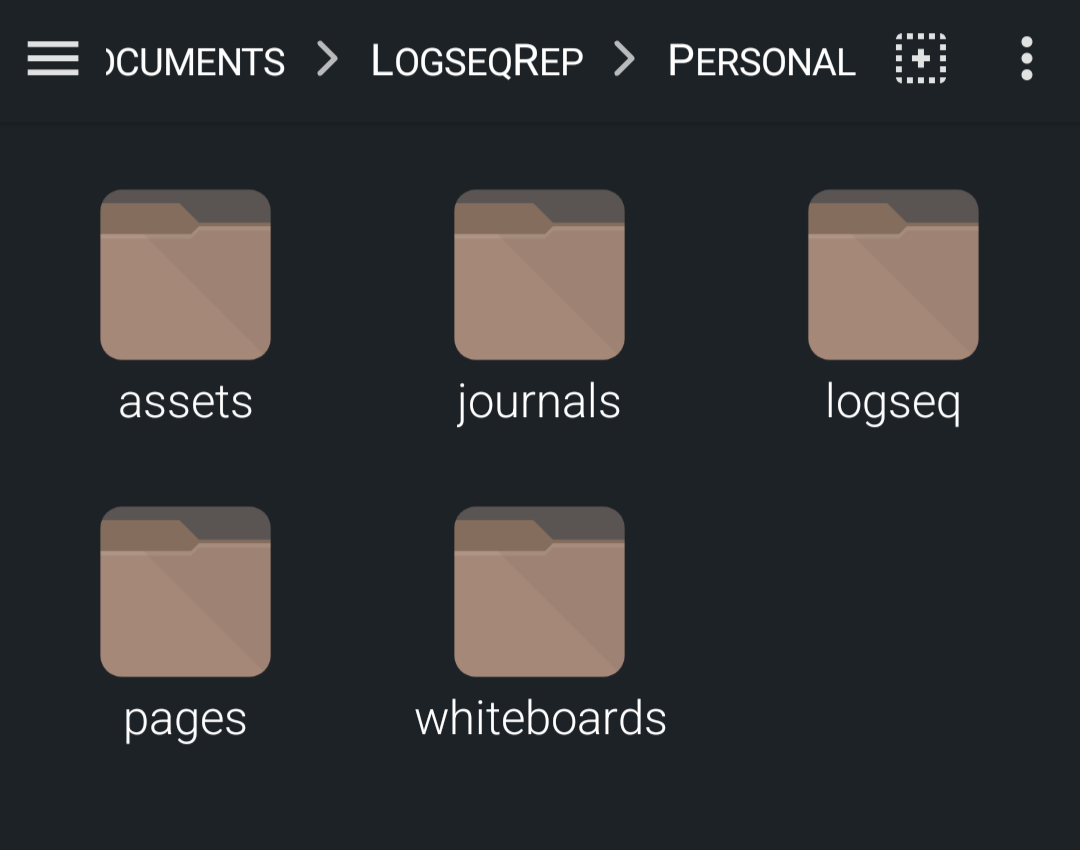
The Logseq file structure should look like.
main graph folder >
- assets *
- journals
- logseq
- pages
- whiteboards *
- Only if they are in your graph usually.
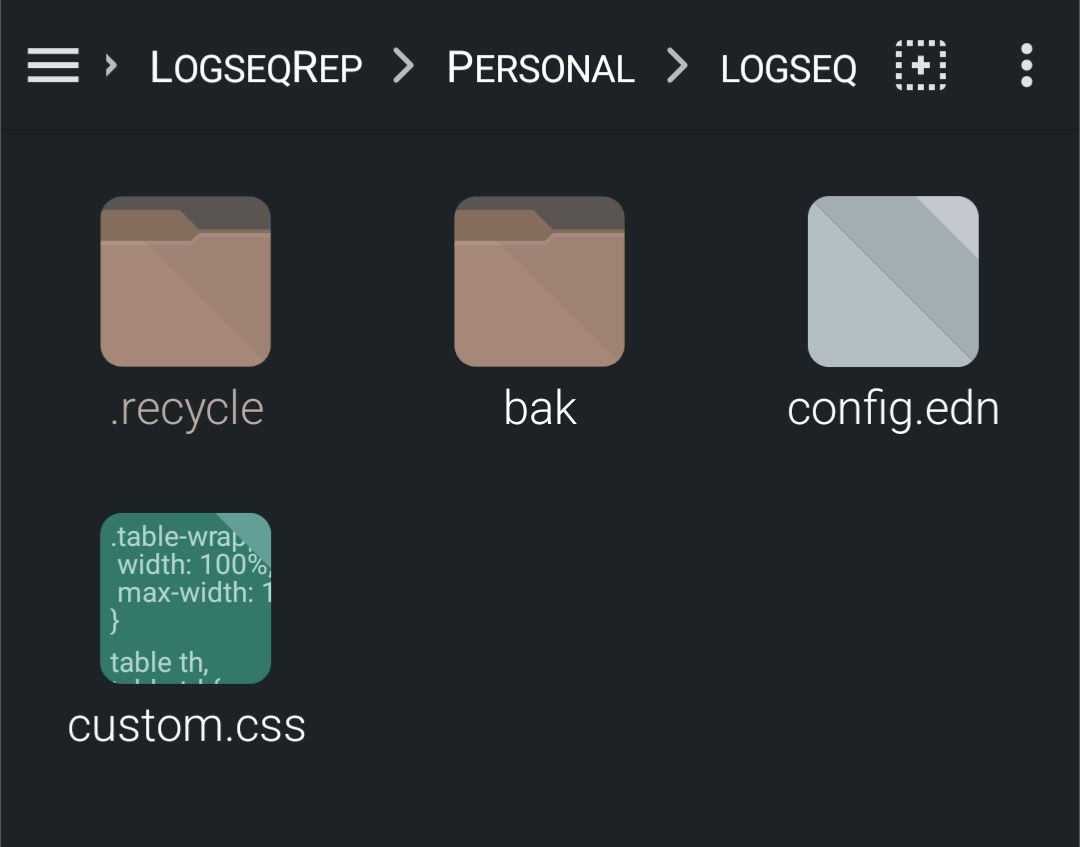
Within the logseq folder there is then some subfolders.
- .recycle (hidden)
- bak
The bak folder will be repeating the file structure as it is a backup folder.
For reference documentation you can look at the official documentation.
docs.logseq.com
For tutorials, @Bas_Grolleman recently published an introduction tutorial.

And https://youtu.be/TiREuN1Tjqo
(I have honestly not watched them myself, but maybe they have value for you)
As well as OneStutteringMind has an intro series on his YouTube.
https://youtube.com/playlist?list=PLNnZ7rjaL84JjFpgDxRlAOKRa9ie25gtp
I think those are good starting points.
Either look on the file system or within the “all pages” page in logseq to find these and do a clean up.
PS. This may ultimately also be related to iCloud itself. I had a lot of issues with it. It would try to sync while Logseq was writing to files and cause issues.
So it may relate to that, but I can’t say for certain.