How to install from Build-Desktop-Release

I create a new thread to avoid derailing this one Can we PLEASE get a small public roadmap? - #27 by asc9ybUnb3dmB7ZW

Basically, while reading the above thread, I am having a stupid question about downloading and installing the Desktop app.

Thanks to @ asc9ybUnb3dmB7ZW, I managed to download the file but don’t know what to do with it.

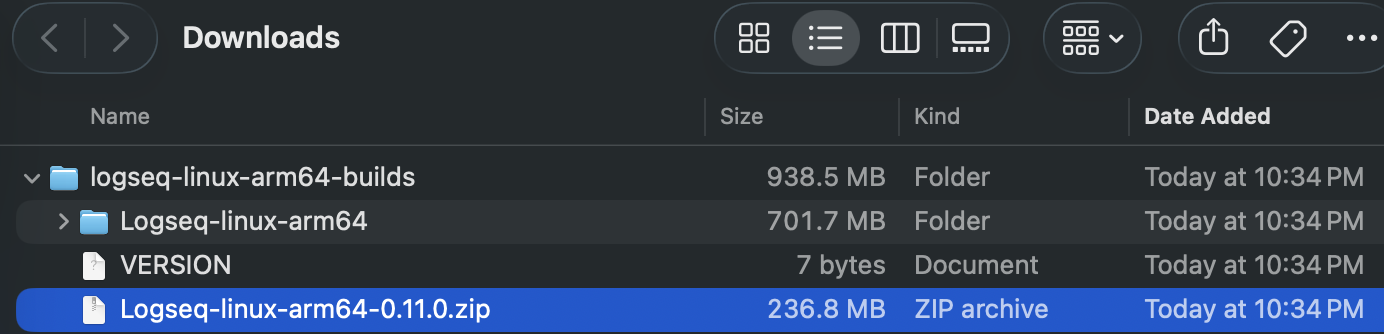
After unzipping, there is another .zip file in the folder, so confusing :slight_smile:

It looks like you are on the mac. You should use logseq-darwin-arm64-builds from Build-Desktop-Release · logseq/logseq@d867bf6 · GitHub instead.

1 Like

You are right, I am on Mac. Thank you so much.
I downloaded the file, unzipped it twice, and drag the logseq file into Apps. It turn out to be the MD version, probably the DB version still not available for desktop yet.

Again, thank you.

Use this link instead. Scroll to the bottom and download logseq-darwin-arm64-builds.

If you want the DB version, ensure that when you are on the GitHub Actions page, look for the Build-Desktop-Release workflow that is tagged with the master branch.
Somehow every time I download this I just get the MD version. Shouldn’t this build produce the desktop DB version?

1 Like

As long as it is a release from the master branch it will be the DB version.

1 Like
