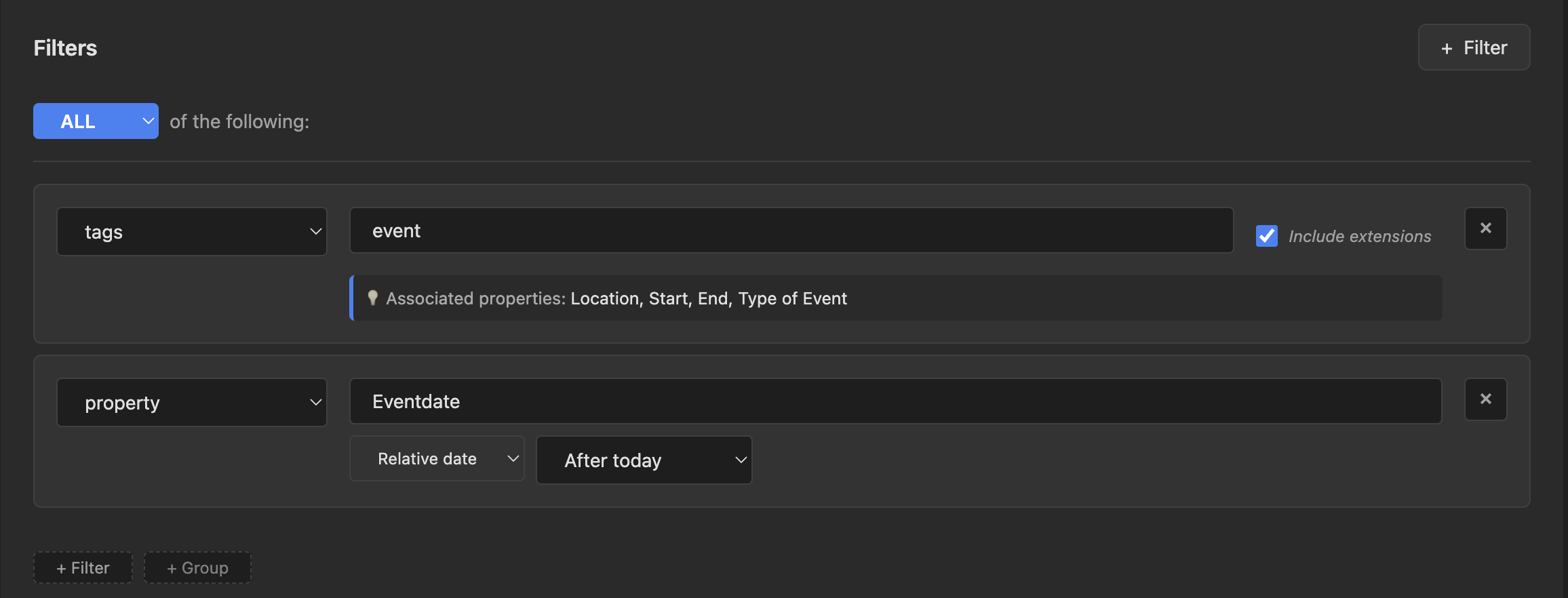
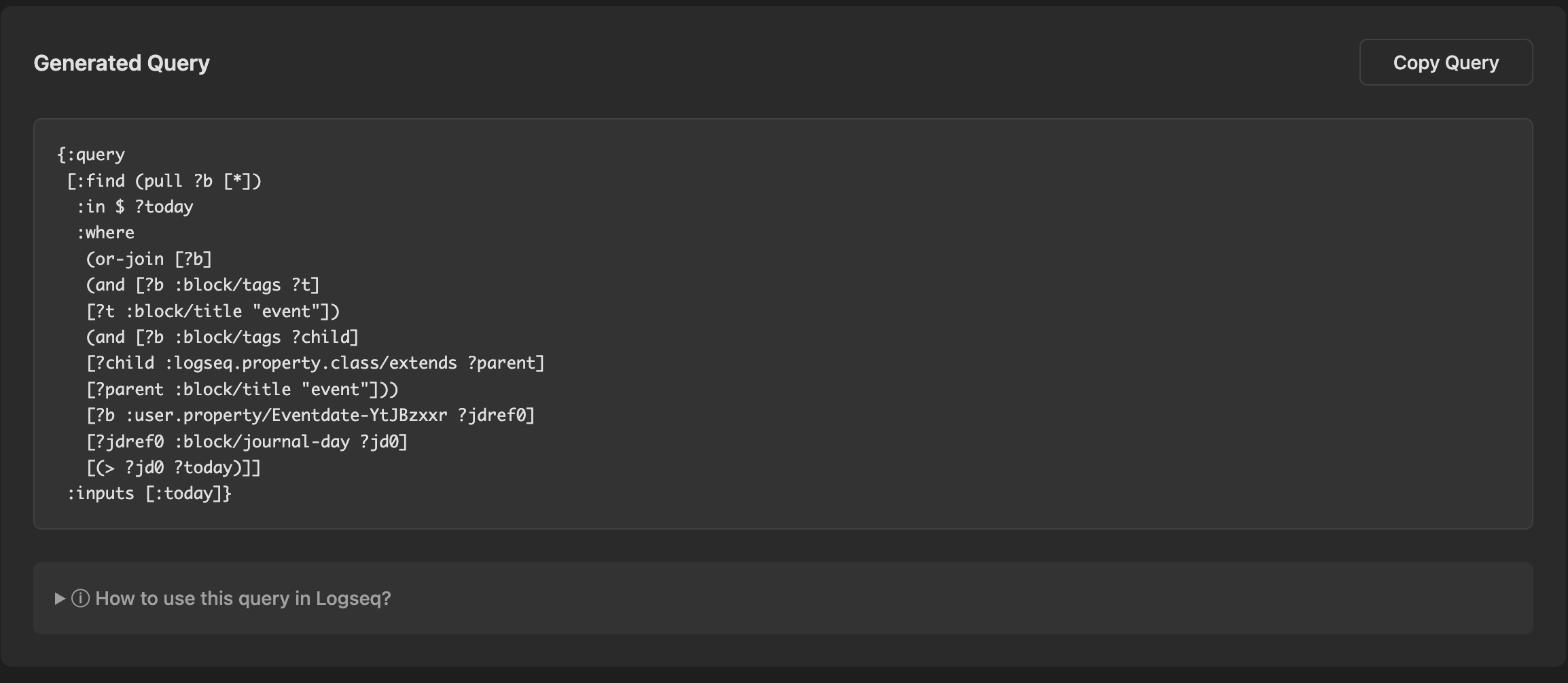
Ever find that you need something more advanced than a simple query, but don’t know how to write the complex syntax required by advanced queries? The online Logseq DB Query Builder was built just for you!
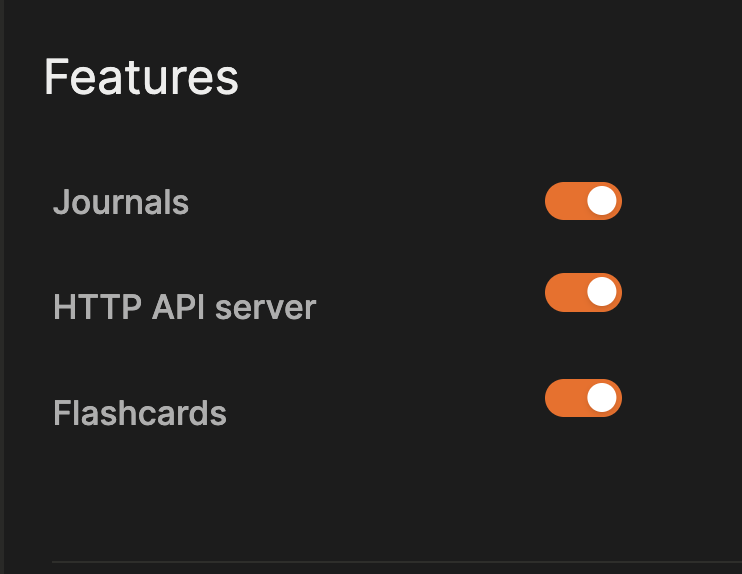
Just turn on the API in the desktop app, add a new API key to use with the query builder, and then login. Use simple menus to create your query and it will give you the code to copy and paste.
If you have any technical issues using it, be sure to read the documentation.
Nice tool. But is there also a way to include the :view builder to make custom views? This is particularly useful when the result of the query needs to be copied.
i would also welcome just a tad more spoon feeding on this, for people who are API disabled…. Maybe a motion gif or loom video or YT short showing setup/access for dummies. THanks for your hard work on stuff like this!
The following query gives ugly results without the view element. I want to display a specific hierarchy. There is a H2 block followed by several H3 blocks. I want to select the H3 Block saying “Status” and display the entire content of the blocks if one block contains [[dead]]. All AI babble machines failed on it. My tweaking didn’t help. It seems that datalog has limitations here, but I’m unsure.
The below query finds the appropriate entries, but it only displays the first character of the block in the cells of the table.
== example query ==
#+BEGIN_QUERY
{:title [:h2 “Dead Liaisons Full Hierarchy”]
:query [:find ?h2-content ?h3-content ?child-content
:where
;; 1. Find the Status block
[?h3-block :block/content ?h3-content]
[(clojure.string/includes? ?h3-content “Status”)]
;; 2. Find the Parent (H2) of that Status block
[?h3-block :block/parent ?h2-block]
[?h2-block :block/content ?h2-content]
;; 3. Find the Child of that Status block containing “dead”
[?child-block :block/parent ?h3-block]
[?child-block :block/content ?child-content]
[(clojure.string/includes? ?child-content “dead”)]
]
:view (fn [rows]
;; Render the results as a table
[:table
[:thead
[:tr
[:th “H2 Content”]
[:th “H3 Content”]
[:th “Child Content”]]]
[:tbody
(for [[h2 h3 child] rows]
[:tr
[:td (str row h2)]
;;[:td (str row h3)]
[:td (str row child)]])]]
)
}
#+END_QUERY
No worries. I just wanted to note that the queries are rather well documented. The display arrangement and filtering of the result side isn’t. But there is a lot to gain. Maybe some of the devs looking at this thread have an idea what to do on the long run.