Logseq DB - What's wrong with Sidebar

Hi everyone,

I’m using the Logseq DB (test.logseq.com) version on a Mac.

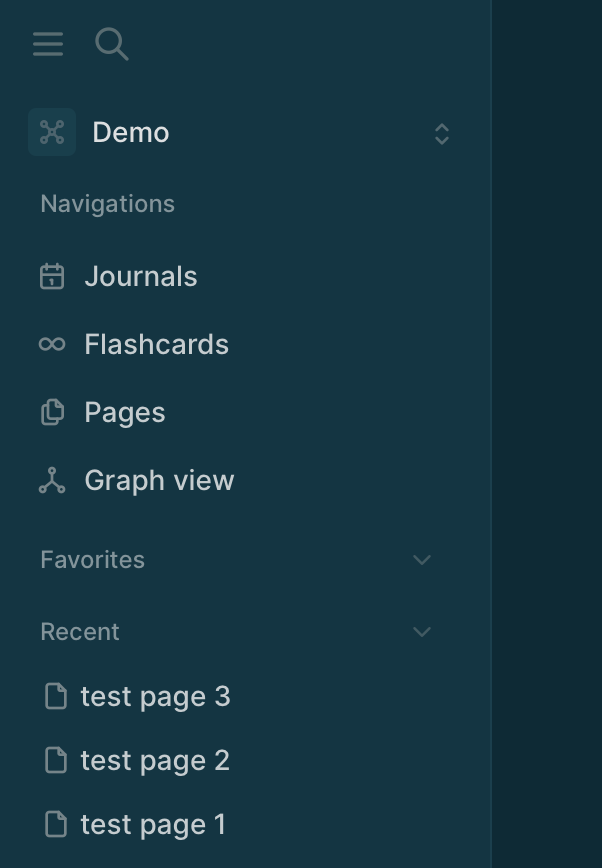
Under the “Recent” section in the Left Sidebar, all of the page entries are displaying as symbols/icons without any visible text.

Brower is Safari. I tried the MD version initially but I couldn’t as there was something to do with API.

Has anyone else encountered this issue with the DB version? Is there a setting I need to change or a way to refresh/fix this?

Any help would be greatly appreciated!

Go to Pages and see if you have some pages without a name.

Thank you @danzu
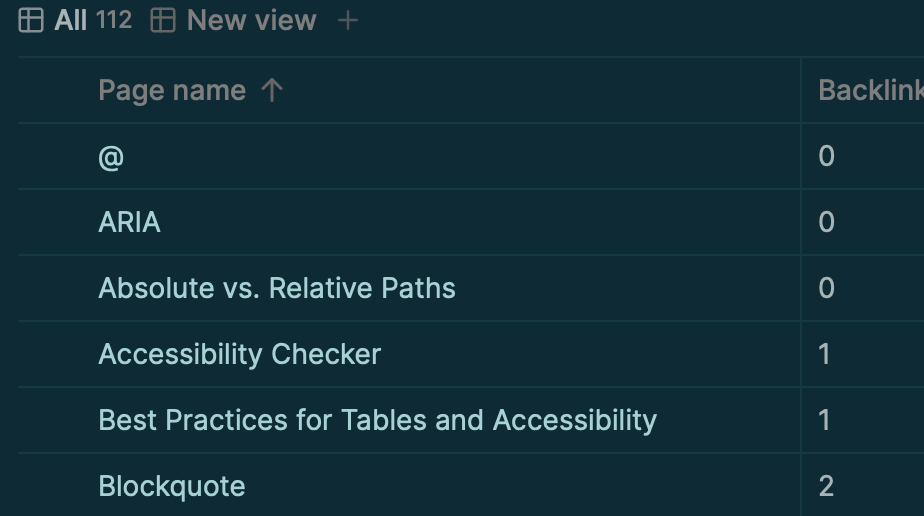
All my pages have names. And when I click on the page symbols, it take me to pages with names. Basically I am learning HTML on freecodecamp and using Logseq to take notes. My pages look like this:

I’d like to add a few things.

I am accessing test.logseq.com using Safari. I tried the MD version initially but I couldn’t as there was something to do with API.

The pages are sorted by names as default. I tried to sort them by time but it doesn’t work.

I am seeing the same on Safari, but not on Microsoft Edge. Please report it Sign in to GitHub · GitHub

1 Like

Again, thank you.

Reported Sidebar doesn't display page names under Recent · Issue #515 · logseq/db-test · GitHub

(I’m not too familiar with reporting errors on GitHub, did make someone angry once :slight_smile: for reporting something I thought it wasn’t working but he wasn’t pleased. Hoping it’s not the case this time.)

Thanks to @tienson for resolving this issue.

The pages are now listed with full names.

1 Like