All was well for years, until I realised that I don’t understand how Logseq works when I attempted to move to 2.0.2 the other day.
The good news is that somehow my notes are intact on the new version.
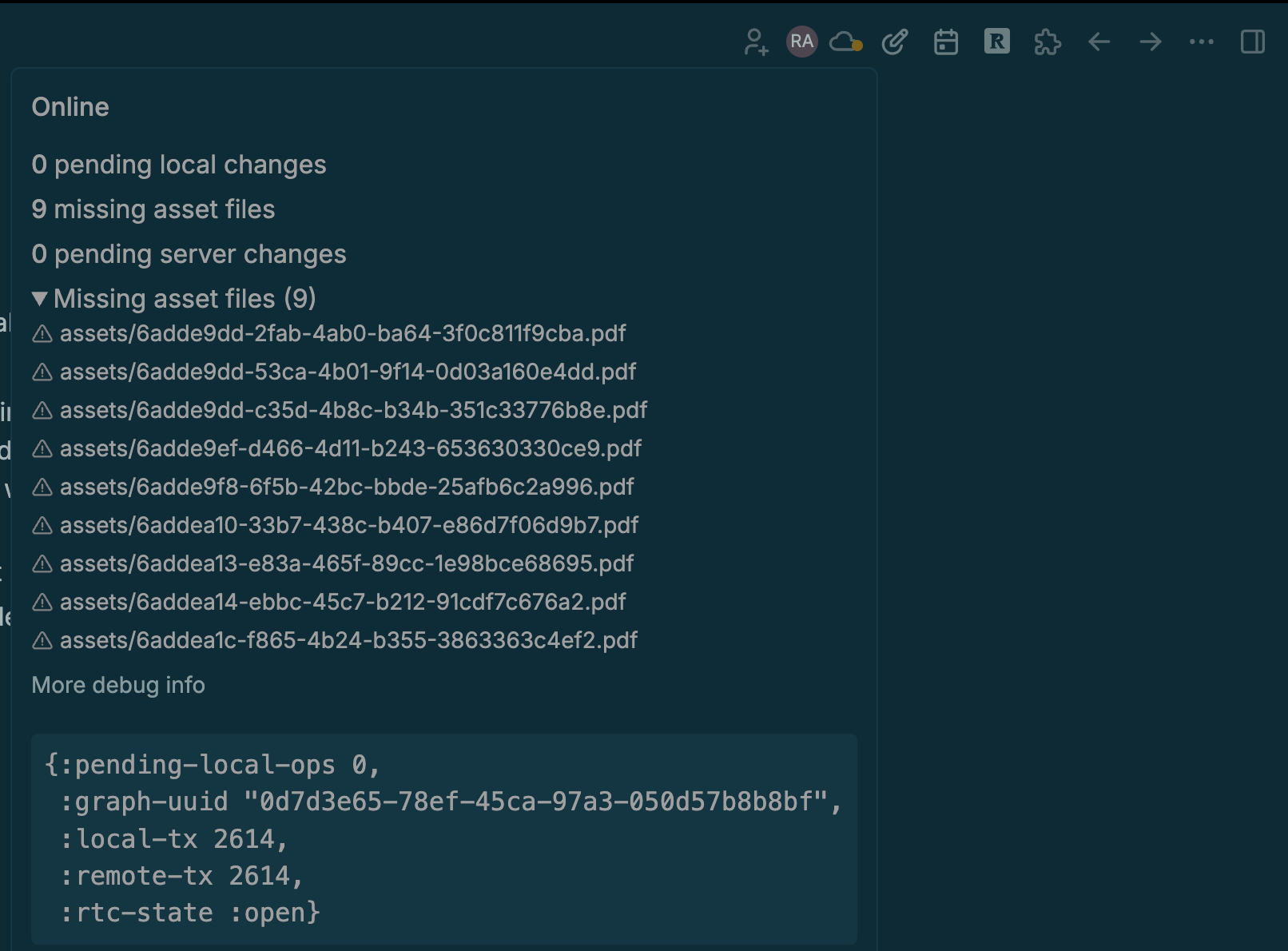
The bad news is that the sync cloud is always orange, because I’m missing assets…I have no idea what to do to resolve it.
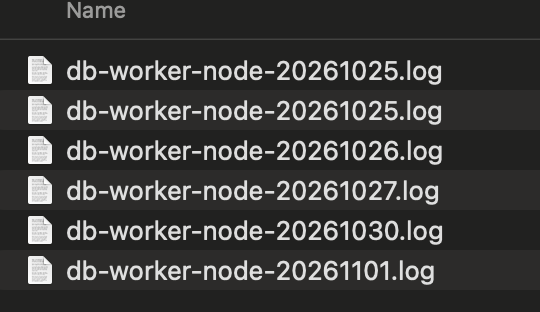
When I search my mac for the files, I don’t see a file for any of them, but the file names are hundreds of times in the below screenshoted db_worker_node files. I have no clue what these are!
A missing asset means that the asset is registered and tagged with #asset in the Logseq DB, but the corresponding file does not exist in the actual graph/assets folder.
If you don’t have a backup of the asset file and cannot restore it, you will need to delete the corresponding asset node from Logseq.
Go to the #asset page and check the list of assets. You should find some entries where the file property displays Can't find file assets/.... Select those entries and delete them.
For a better understanding of how assets work in the DB version of Logseq, I recommend checking out this guide:
@greenhat525 you saved my logseq day, thanks!
I went to the #asset page in logseq, filtered by PDF, and saw 9 files with zero bytes - after deleting those, the message with 9 assets not syncing disappeared immediately and now the cloud is green, not orange