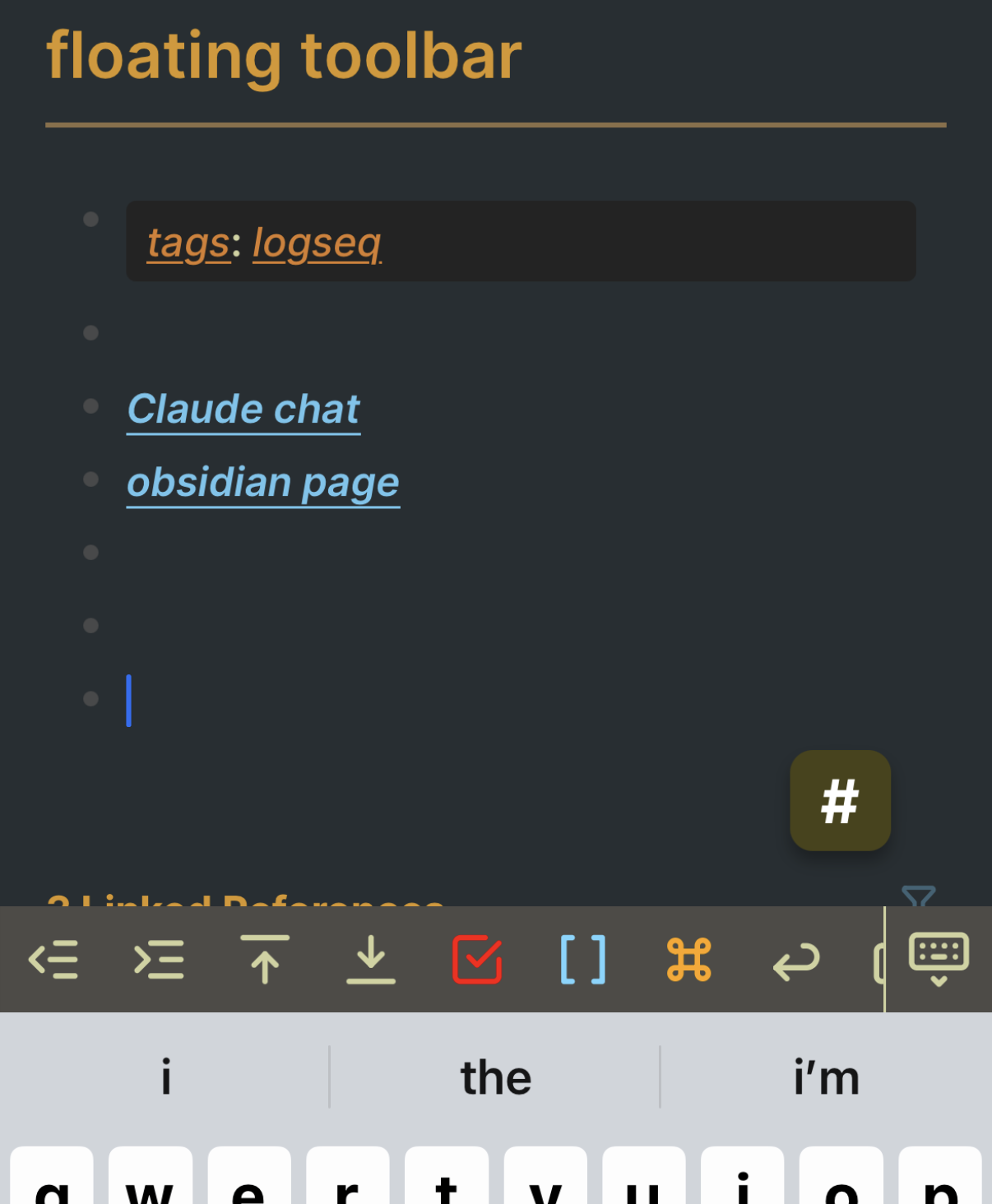
Wow that’s pretty superb. I’ve often wanted some customisation on the toolbar (like Obsidian does). Honestly the fact that there was never a ‘Set Deadline’ button or similar as standard baffles me. Let alone some customisation.
I don’t have an answer but if I find one I’ll come back here and post.
I’d be interested in your code if it’s online somewhere.
I have finally managed a workaround. I’ve found out the Android App accepts many keyboard shortcuts, e.g. Ctrl+i for italics. The matter was my keyboard (Samsung Keyboard) did not allow me to include Ctrl and other modifier keys in its layout. By choosing a keyboard that allows one to include modifier keys, one is able, via shortcuts, to quickly invoke the action the desired toolbar button would have. I was mostly interested in text style formatting toolbar buttons and such shortcuts do work on mobile.
I have therefore moved to Heliboard from my phone’s default keyboard (Samsung Keyboard customized with Keys Cafe). After the trouble of creating my layout files, I am quite happy with it! I now even have access to ESC and can shut down completion popup windows when they are inconvenient (like when you insert / or < without the intention of invoking commands and the panel hides the text you’re editing). (Another keyboard I briefly tested before Heliboard and also works for this is Unexpected Keyboard.)