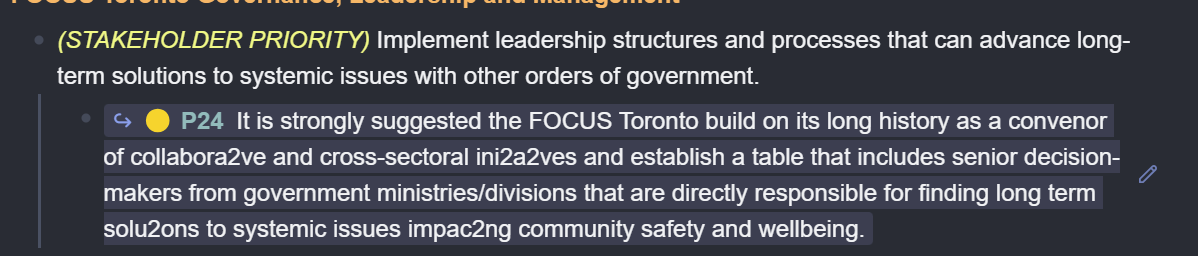
Ligatures (ae, oe, ue, ff, fi, fl, ffi, ffl, ti, tl are the most common ones) are separate glyphs (drawings) in most fonts that look better than the juxtaposed individual charcaters. In this day and age, a decent Opentype font will automagically map the above two- and three-character sequences to a prettier combined glyph, i.e., the corresponding ligature, so instead of “ae” you will see “æ”.
In the bad old days, the application had to do that, and Adobe Acrobat would do that by creating a table that maps glyphs (like your ligatures) to more “normal” character codes to make them accessible to PDF apps. Example: “2” → “æ”.
This table is stored in the PDF, but if a PDF viewer does not read that table or misinterprets it, you’ll see the “2” instead of the “æ”. There is nothing you can do about it (unless you can fix the PDF viewer).